
Download WP Launcher – Android launcher, Windows Phone UI, Windows Phone interface, Android app, Windows Phone theme, Android customization
Overview
WP Launcher is a desktop application designed to transform the user interface of an Android device, offering a visual experience reminiscent of the Windows Phone operating system. The software re-skims the Android home screen, replacing standard layouts and icons with large, colorful tiles that mirror the aesthetic of Windows Phone. This interface change is primarily cosmetic, focusing on appearance rather than altering underlying system behavior. It aims to provide users seeking a fresh, alternative look to the default Android interface, particularly those nostalgic for the clean, tile-based design of Windows Phone. The software is intended for individuals who value visual customization and are interested in experimenting with different interface styles on their Android devices. While not a full replacement for the original OS, WP Launcher serves as a lightweight tool for interface personalization. It allows users to explore a distinct visual paradigm without requiring a system overhaul. The target audience includes casual users, Android enthusiasts, and those who appreciate minimalist, grid-based layouts. Real-world usage scenarios include personalizing a smartphone for aesthetic preference, testing interface designs, or simply breaking away from the standard Android experience. The developer, A144, has not provided additional background information. The application was released on July 8, 2024, and is available at no cost. It is categorized under Productivity, though its primary function lies in UI customization rather than task management. The software operates entirely on Android, with no indication of cross-platform support. Users are advised to test the launcher before setting it as default, as switching back may require manual intervention.Key Features & Capabilities
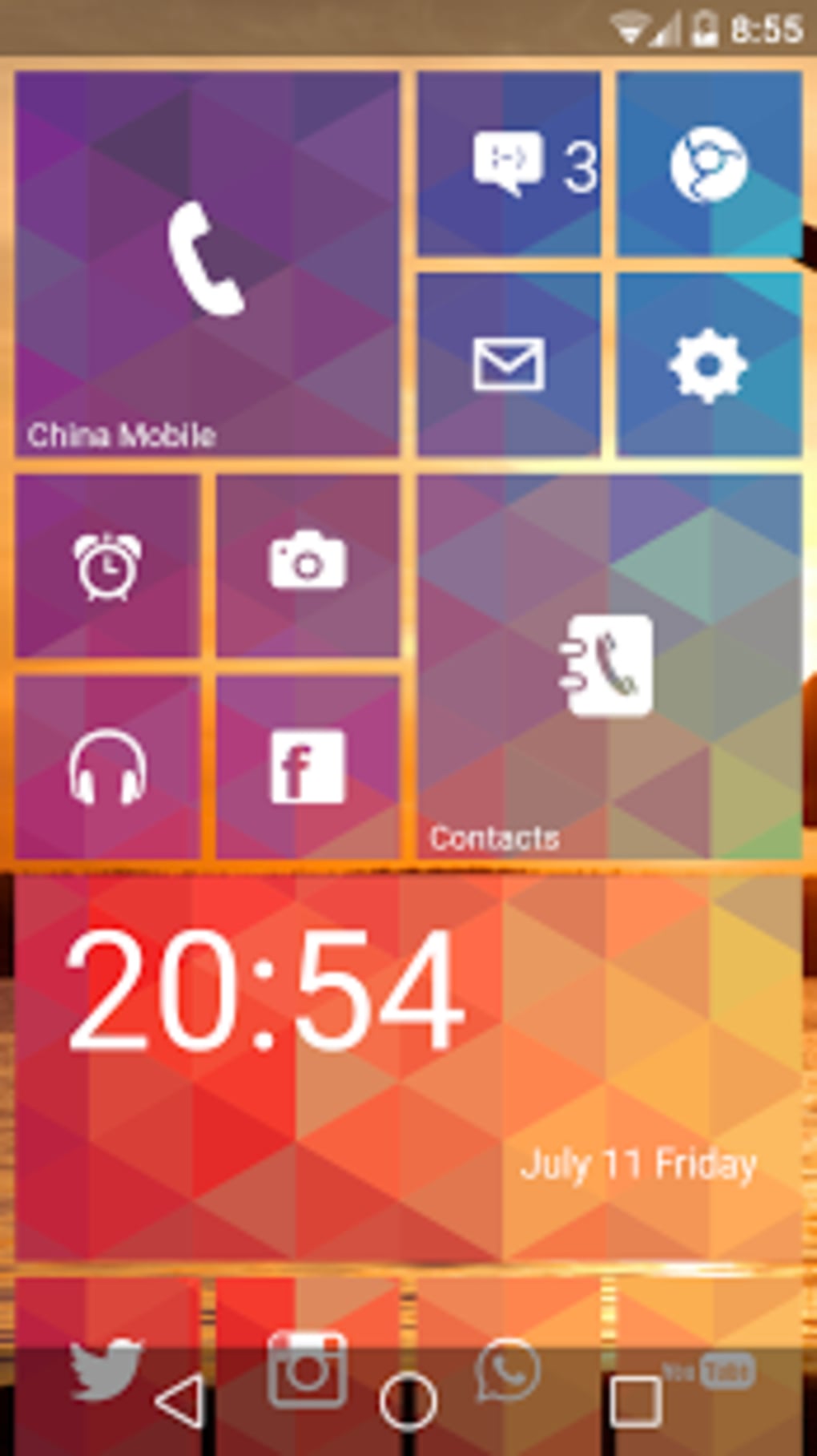
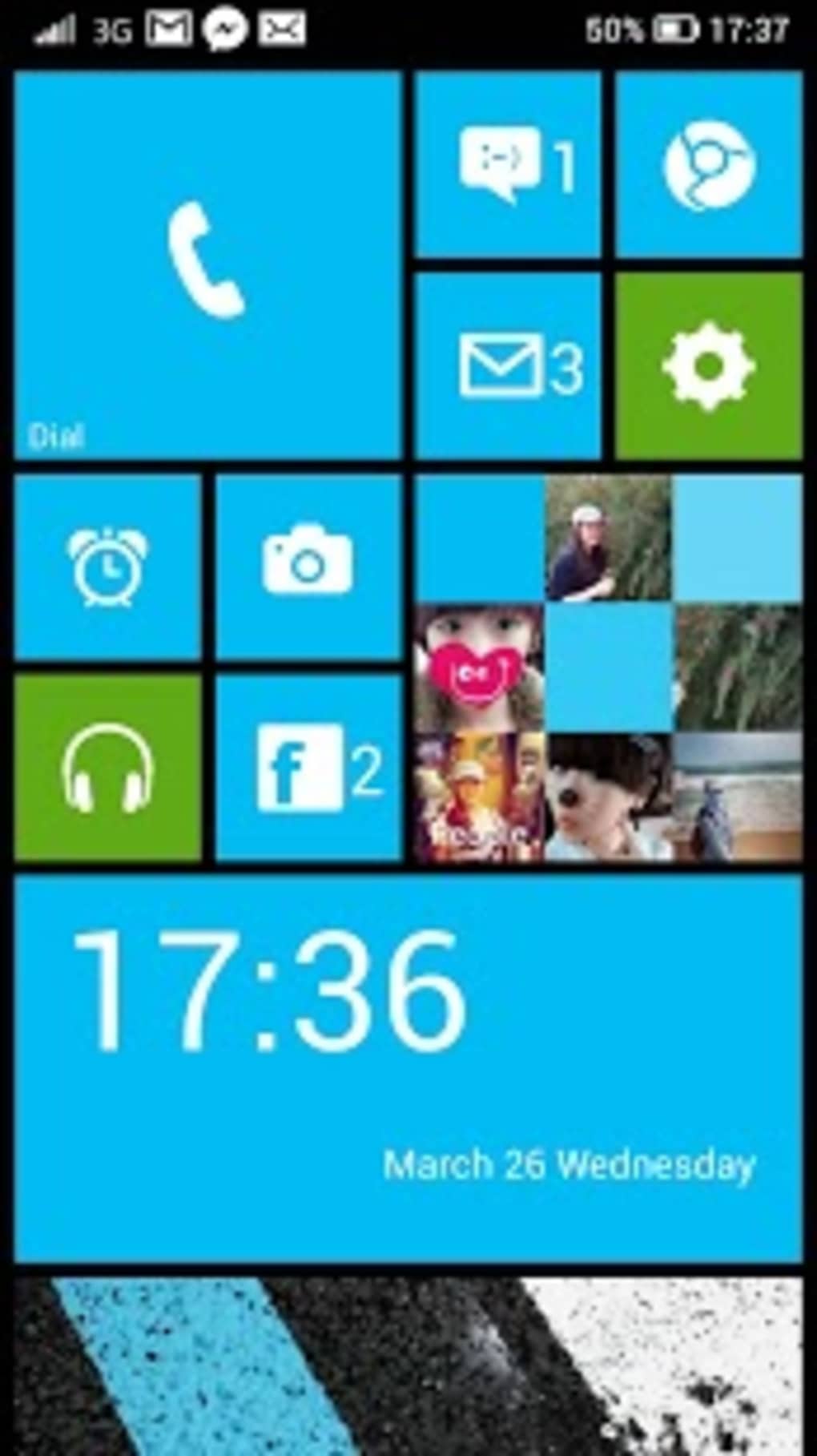
- Windows Phone-Style Interface – WP Launcher replaces the standard Android home screen with a tile-based layout inspired by Windows Phone. This includes large, dynamic tiles that display app icons and real-time information, offering a distinct visual experience.
- Customizable Home Screen – Users can rearrange, resize, and group tiles to personalize their home screen layout. The interface supports pinning frequently used apps for quick access, mimicking the original Windows Phone workflow.
- Search Integration – A swipe gesture activates a built-in search menu, enabling quick access to apps, contacts, and settings. This feature enhances navigation efficiency on the re-skinned interface.
- Default Launcher Option – Upon activation, the app prompts users to set it as the default launcher. This allows seamless integration into the device’s startup process, though the recommendation is to test it first.
- Lightweight Design – With a file size of 4.4 MB, WP Launcher is optimized for minimal system impact, making it suitable for devices with limited storage and processing power.
User Interface, Workflow & Performance
WP Launcher features a tile-based user interface that mirrors the Windows Phone design language, emphasizing large, colorful tiles arranged in a grid. Navigation is primarily gesture-based: swiping up and down scrolls through pinned apps, while a quick swipe opens the search function. The layout is clean and visually cohesive, with minimal clutter and intuitive icon placement. The interface is responsive to touch input, allowing smooth interaction during tile rearrangement and app launching. Workflow efficiency is enhanced by the ability to group tiles into sections and customize their appearance. However, the software does not fully resolve the organizational challenges inherent to the Windows Phone design, such as limited tile management tools. Users may experience inconsistencies when transitioning between the launcher and individual apps, as the underlying Android environment remains unchanged. This can lead to a fragmented user experience, particularly when app-specific behaviors differ from the expected Windows Phone norms. Performance observations are based on general software behavior patterns. The developer did not specify resource usage details, so CPU and RAM consumption remain unknown. Stability may vary depending on the device’s hardware and Android version. Some users may encounter occasional crashes, particularly during transitions between the launcher and apps. The software is designed to operate in the background without significant interference, but long-term performance under heavy usage is not documented.Compatibility & System Requirements
WP Launcher is compatible with Android operating systems, though specific version requirements were not provided. The application is designed for use on Android smartphones and tablets. Installation size is 4.4 MB, indicating a lightweight footprint suitable for devices with limited storage capacity. The developer did not list exact hardware requirements, so minimum processor speed, RAM, or screen resolution details are unavailable. Platform compatibility information is limited. No details were given regarding support for specific Android versions, such as Android 10 or higher. Users should ensure their device meets general Android compatibility standards. The application does not appear to require root access or special permissions beyond standard launcher permissions. Compatibility with third-party launchers or custom ROMs is not mentioned.Pros and Cons
Pros
- Offers a visually distinct Windows Phone-inspired interface for Android devices.
- Lightweight with a small file size of 4.4 MB.
- Allows users to test a different UI without committing to a permanent change.
- Includes gesture-based navigation and built-in search functionality.
- Free to download and use with no in-app purchases.
Cons
- Does not alter underlying Android system behavior or app functionality.
- May cause inconsistencies when switching between the launcher and individual apps.
- Occasional crashes reported during usage.
- Tile organization remains challenging, similar to original Windows Phone limitations.
- Limited system requirements and compatibility details provided.
FAQ Section
Is WP Launcher compatible with all Android devices?
WP Launcher is designed for Android, but specific compatibility details were not provided. Users should ensure their device runs a supported Android version.
Is WP Launcher safe to download and use?
Yes, the application is free and available from official sources. No security risks were reported. Users should download from trusted platforms to avoid modified versions.
Can I use WP Launcher alongside my default Android launcher?
Yes, you can run WP Launcher without setting it as the default. It can be launched from the app drawer at any time, allowing for easy switching.
Does WP Launcher require internet access?
Basic functionality does not require internet access. However, some features may need connectivity for updates or additional content.
How often are updates released for WP Launcher?
Update frequency was not specified. The latest version available is 1.1.2, released on July 8, 2024.





.png)

